This is an excellent good article by a close friend of my father’s and an acquaintance of mine. In this article, Father Dave puts the BLM movement into what I think is the correct perspective in a very caring way. Black Lives do matter, “However, we cannot say that any one life matters more…“
This is one of the best videos I have seen in a while. Worth the time to watch and what great marketing! A lot of this hit home, reminding me of my 20+ years working at home! Only thing they didn’t capture was the conference call toilet flush…
I had a friend of mine almost have his identity stolen. They started by retrieving his credit report. Freeze your reports so you control them, its free!
Think about that – your credit report is like a roadmap of your financial life, what a wonderful place to start stealing an identity! It is literally a list of the things you have done financially. You want to control who can see it and when.
The three major credit agencies will allow you to freeze your report once you prove who you are. Keep them frozen and only unfreeze them when you are applying for credit. Yes, its a pain to have to unfreeze your report, but is very easy to do. Now, each agency will try to get you to upgrade to this or that plan to “lock” your report. That is up to you – you don’t have to pay anything however to freeze your report.
When you register at the credit agency sites below, please make sure you use a different password for each profile. A great way to do this is to use a password manager. I recommend 1Password https://1password.com myself. Having very long and random passwords for everything is easy to do with 1Password and you can access it from any of your devices. There is no better security, its easy and keeps you safe.
Here is a list of the three major agencies and the links where you can start your freeze. Each may have different requirements, so have a place to track PIN numbers, passwords and usernames (oh my). A password manager is a great place for that!
Have you ever wanted to be able to know when someone other than you has logged into your Mac? I wanted something that went beyond “Find my Mac”. I mean, that is nice functionality but I want to be notified when someone logs in, where they are geographically, and even what they look like!
So why “White Rabbit”? Because a Mac is a man’s cave and mine is protected by the Rabbit of Caerbannog. Google it, then giggle. I have had many digital white rabbits over the years.
The solution below is not perfect but it works well enough and can be improved. With some modifications, it might be made to work on a Linux box.
Requirements:
Automatically trigger upon login
Be as hidden as possible as not to attract attention
Send a text message to my phone with the current location and a picture taken from the Mac camera
What you need to know / have:
Basic terminal commands
shell scripting
cloud server
As this isn’t a tutorial, I won’t bore you with the logic of how the solution came to be, just how to get it working. This also serves as sort of self documentation for me. I can do that, it’s my blog.
I used an app on the Mac called “Automator”. It has the nice capability to be able to take a bunch of actions, string them together, and package them as a macOS application. This application can then be set to run on login.
Prepare – Get the following items taken care of first:
Download and install LocateMe. This is a command-line utility that uses geolocation to return the location of your Mac. It has some nifty parameters too, which we will explain. It can be found here: https://sourceforge.net/projects/iharder/files/locateme/
Sign up for textbelt.com, which allows you to send text messages, for a fee, from the command line. https://textbelt.com. They have different plans even for cheap guys like me. You will get a ket, which is a text string unique to you. Make sure you put it someplace handy and don’t loose it.
Make sure you have a place to put the picture. I simply copy it to my server in the cloud. You should configure yours with a secure key like I did. All the cool kids do it that way. Again – this isn’t school so google it. It’s not that difficult.
Now, lets put everything together within the Automator app.
1 – Open Automator and start a new “application”.
2 – Add the action “Set Computer Volume” and configure it so that it mutes the volume. We don’t want the baddies to hear the camera, do we?
3 – Add the action “Take a video snapshot”. Configure it to place the picture it takes somewhere you will remember, I chose Downloads:
4 – Add the action “Run Shell Script”. Copy the script I provide later into it. In a bit I will explain what each line does for you:
5 – Then add the action “Set Computer Volume” again, this time to un-mute the volume. We don’t want them wondering why the volume went away and start investigating!
Ok, that’s the structure of the Automator app, 5 simple steps. All the fun happens in the shell script so lets take a look at it. First, before you rush and just copy and paste and go on your merry way, this WON’T WORK by just copying it into your app. You need to change stuff. So keep reading.
Code.
I am going to explain just the executable lines below one at a time, and then provide the entire script. My mom is reading this and she would want it that way.
First, we capture the current time into a variable using the date function. Here we captured the year, month, day and then the hour, minute and second. You know, for legal purposes. We will use this for a unique picture name here in a bit.
current_time=$(date "+%Y.%m.%d-%H.%M.%S")
Then we capture the name of the computer into another variable:
host=$(hostname)
Next, we rename the picture that we took so that they wont overwrite each other if multiple logins are triggered.
Delete the file once you upload it. It is always good to clean up after yourselves children. Now, this is a bit of an aggressive approach below but I like scaring people with rm -rf and a bunch of asterisks… You know who you are.
rm -rf ~/Downloads/*.tiff
So now we have taken a picture and uploaded it to our online lair. Ok server. Whatever. Now we need to tell somebody what has happened!
Using the nifty LocateMe command, lets capture just that Latitude and Longitude. Lets capture it in a format that we can use in a URL for Apple Maps too, cause that will be handy!
Next, let us write the message to be contained in the text message we will send. Oh this is the fun part. Go wild. But lets keep it short. Ours will say what has happened and then provide two URL’s. The first will be the URL for Apple Maps to show the location. The second will be the URL to the photo that was uploaded.
message="Login performed from Brad's Mac: http://maps.apple.com/?ll=$LOCATION pictures: https://someserver.com:/somedirectory/$host-snapshot-$current_time.tiff"
AND finally, lets send ourselves a text with the results! curl is a handy command line utility that is basically a web browser for the command line. You can point it at sites and it does stuff. Yeah. It’s that cool.
curl -X POST https://textbelt.com/text --data-urlencode phone='5208675309' --data-urlencode message="$message" -d key=<yourkeyhere>
That’s it! Here is the whole script. Remember, you will need to change the important bits!
#upload the picture taken by automator
current_time=$(date "+%Y.%m.%d-%H.%M.%S")
host=$(hostname)
mv ~/Downloads/snapshot.tiff ~/Downloads/$host-snapshot-$current_time.tiff
scp -i ~/.ssh/white_rabbit.key ~/Downloads/*.tiff username@someserver.com:/somedirectory
rm -rf ~/Downloads/*.tiff
#phone home
LOCATION=$(~/LocateMe-v0.2.1/LocateMe -f "{LAT},{LON}")
message="Login performed from Brad's Mac: http://maps.apple.com/?ll=$LOCATION pictures: https://someserver.com:/somedirectory/$host-snapshot-$current_time.tiff"
curl -X POST https://textbelt.com/text --data-urlencode phone='5208675309' --data-urlencode message="$message" -d key=<yourkeyhere>
So, once deployed on login, the only thing a person sitting at the computer would notice is that the screen will flash on the Mac. That is the side effect of the “Take Video Snapshot” action. You will get a text message with clickable URL’s showing the location of the Mac as well as a picture of whatever happens to be sitting in front of the computer.
Some additional things I was thinking of doing with this:
Use the “say” command to have the Mac express some indignation to the person who logged in. You can even use different voices! Imagine their surprise when it says “Well, that’s no ordinary rabbit! That’s the most foul, cruel, and bad-tempered rodent you ever set eyes on!”
Have this trigger on other events, such as when someone wakes up the screen using “screenwatcher”, which would need to be installed. In fact, I may already have done this. Who knows. Just don’t come around my Mac without the Holy Hand Grenade of Antioch.
What other ideas do you have to extend this? Leave them in the comments!
I try not to live under a rock, however, I also try my best to pay attention to my surroundings. Our Government is under attack from within. If you don’t believe so, then you probably also believe that this is the first time the Corona virus has been identified.
Think about what’s transpired over the last few months. The government has presented every possible demographic including a self proclaimed socialist as a democratic candidate because they fear something they can’t control.
The impeachment hoax failed and immediately Pelosi vowed to exhaust efforts in overthrowing Trump. If you currently can see this post then until last week you were living in the most thriving economy this nation has ever seen in my lifetime. Only due to the fact that the person in control couldn’t be bought.
If you think for one second this “pandemic” is not media driven, and controlled by the radical people in powerful places….well…go back to sleep under the rock you crawled out from. And you really aren’t going to like this.
This thing has killed less people in the same time frame then cigarettes, cancer, drunk driving, domestic violence, car crashes, cross stitching accidents (j/k on the last one but probably close), stabbings, overdoses, and please don’t get me started on abortion.
Wake up!!! This is what the beginning of socialism looks like! They are controlling what you buy…bc it’s what you think you need, where you go…bc it’s where they tell you not to go, and how to live…bc you now fear the very existence of anything outside of your home and control.
They are leading with fear. Causing you to panic like sheep.
They are crashing the stock market to run on a failing economy, because it’s all they have left. What is this saying to all of the countries that have opposed us for decades but, couldn’t defeat us?
It’s saying…biological war fare will make these idiots glued to CNN and every other liberal news source panic and run for the hills.
You don’t need hand sanitizer, toilet paper, and Lysol. You need common sense, a sense of direction, faith, a will to fight, and of course guns!
Now wash your hands and live the life they don’t want you to have!
Most of you know that in 2018 I was able to go on a trip of a lifetime with my friend Jim Newmann to help him drive a Mercedes G-Wagon back home. It was spectacular to say the least and something neither of us will ever forget.
Time for another expedition(ish). Let me explain.
In 2020, I will be visiting the IBM Tucson office a bit more than usual. I think I have been to the office twice, because for the last 20 years with IBM I have worked from home. The round trip from Indecision Ranch to IBM Tucson and back home is just over 80 miles. As we know from Linda commuting the the Tucson Fire Academy, miles can add up on a vehicle.
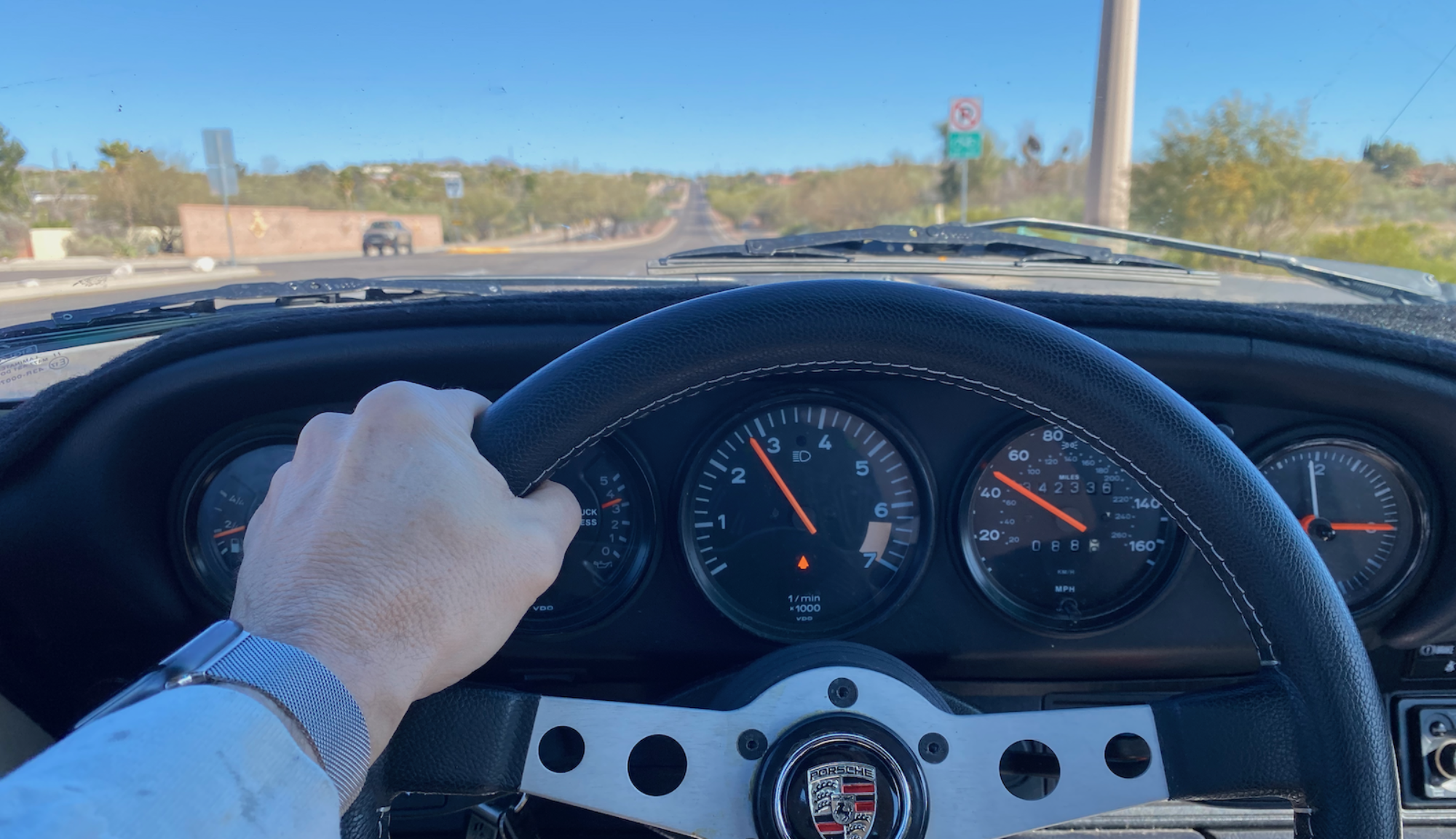
We don’t want to put any more miles on Linda’s vehicle (“Pearl”, a Land Rover Supercharged) nor my vehicle (“Earl”, an F250 Super Duty) because we tow the Airstream with it. So – I have been searching for a new daily driver. Given the Guatemala trip, to say that I am impressed with Mercedes diesel engines would be an understatement. So I started the search.
I was geeking out with Jim today on the phone, talking cars. He has been helping me keep an eye out for a good one in California and putting up with my stupid questions. Craigslist has a saved search function so we had been sending listings back and forth. Today, he mentioned I should keep my eye’s out for a “w124 car”, which is a Mercedes chassis designation. Jim knows these cars very well so I took that to heart. We finished our conversation and hung up the phone.
2 minutes later my personal Mac dinged. It was a new Craigslist listing, for a w124 car in Los Angeles. I sent it immediately to Jim who stated “Wow nice car and low miles..”. Hook set. I spoke with the gentleman on the phone and a cash price was set.
I fly tomorrow morning to San Diego, where my brother Jim will pick me up at the airport and we will expedision(ish) to Los Angeles to look at the vehicle. Much shorter than the trip home from Guatemala!
IF all goes well, this will be in the driveway by the weekend!!
I am not a dyed in the wool libertarian and usually don’t listen to podcasts, but Peter Schiff makes a lot of sense here. For those of you that are interested in Andrew Yang, consider listening to this. It is a bit long but stick with it. A good exercise in critical thinking.
We are finally preparing for our long awaited trip to Germany!
Linda and I will be traveling with her brother Mark, his wife Lisa and her other brother Mike. Unfortunately Linda’s other siblings were not able to make it. Linda has been working very hard since last Christmas to learn the German language, I am sure she will put her new knowledge to good use!
The main goal is drinking beer to visit the town of Wekenborg and learn a bit more about her families ancestry. While we are there – going to try and learn a bit more about the Schauf heritage as well and maybe visit a castle or two, some fairy tale towns, and a concentration camp.
We will be staying in a windmill that was built in 1871! You can learn more about it here:
I will try to update this site when we get going and I have something interesting to say. Or something to bore you with. Thanks to my wonderful team at IBM for backing me up on the many initiatives while I am gone. I really appreciate it!!!
I look forward to trying out some of my German jokes while I am there:
Q: What do you call a pissed off German? A: Sauerkraut.
Q: What do you call a Blind German? A: a Not see
Q: If your American in the living room what are you in the bathroom? A: European